
Download a-squared HiJackFree – Malware Scanner, Spyware Remover, Adware Protection
Overview
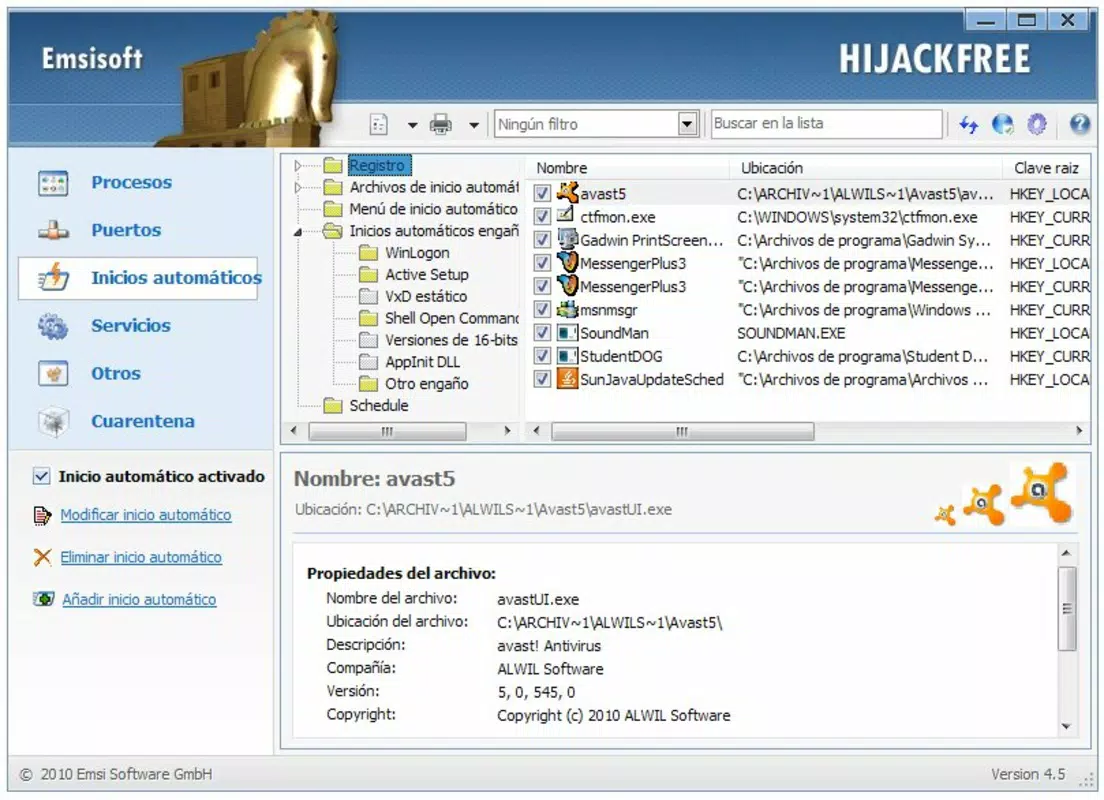
- Comprehensive System Analysis: The app performs an in-depth scan of the system, examining running processes, startup entries, browser extensions, and registry settings. This detailed inspection helps identify hidden or dormant threats that may not be flagged by standard antivirus software.
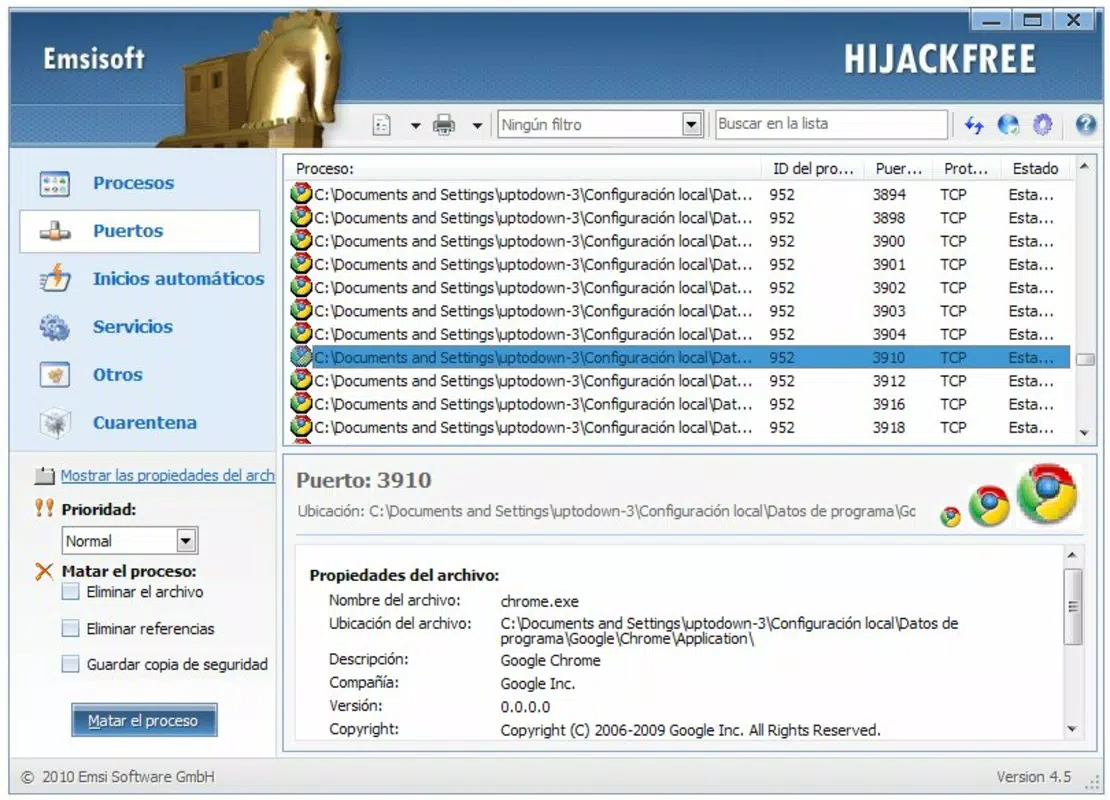
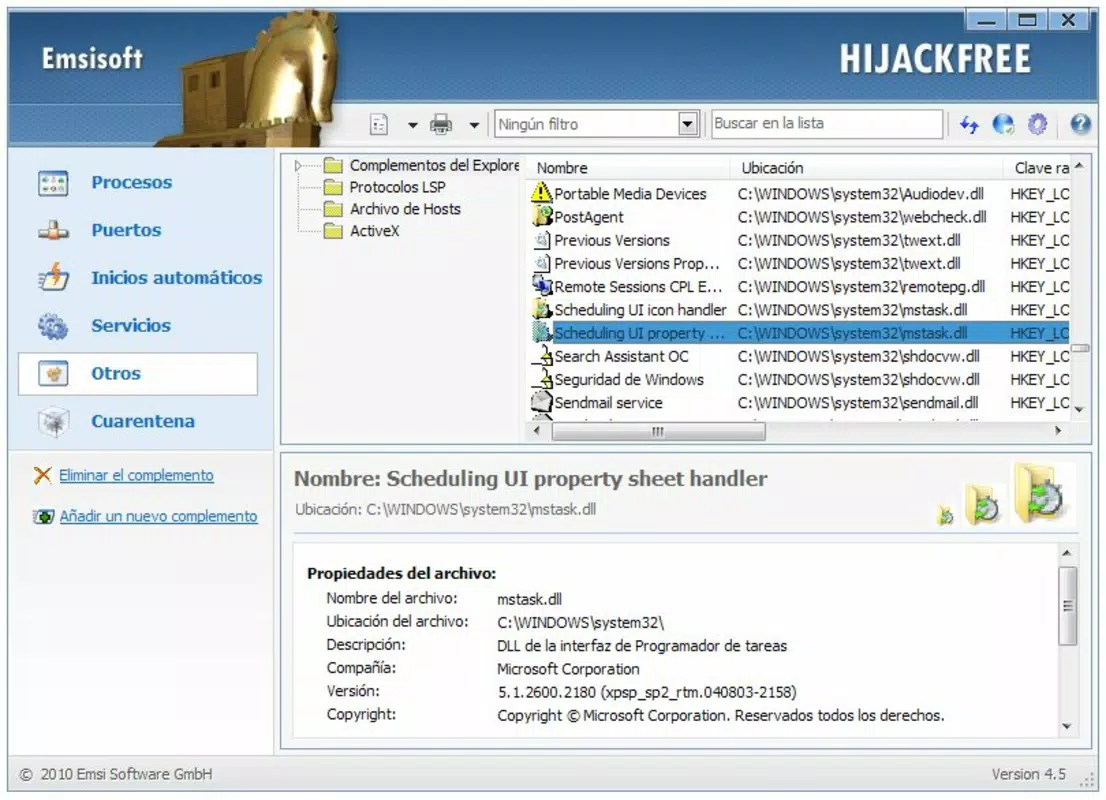
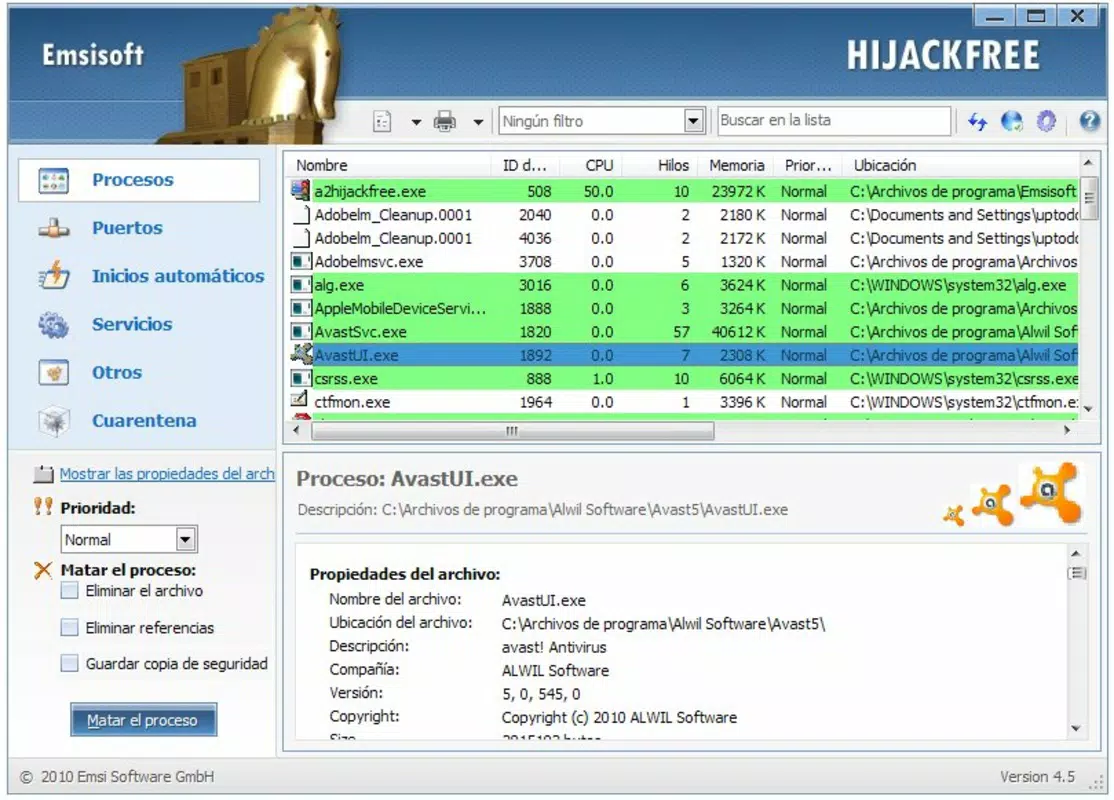
- User-Friendly Interface: Designed with accessibility in mind, the interface organizes findings into clearly labeled tabs, allowing users to navigate results without technical expertise. This layout supports both novice users and experienced individuals who prefer quick access to actionable data.
- Process Management Tools: Users can directly manage suspicious processes by stopping, blocking, uninstalling, or removing them from the system. This level of control enables immediate response to potential threats, reducing exposure time.
- Quick Online Analysis: A built-in feature allows users to submit system data to a secure online service for analysis. The process takes under two minutes and returns a detailed report, making it ideal for users seeking fast diagnostics without local processing overhead.
- Real-Time Malware Protection: The tool actively monitors system behavior, detecting and alerting users to malicious activity as it occurs. This continuous surveillance helps prevent infections before they can cause damage.
Interface, UX & Performance
The interface of a-squared HiJackFree is structured around clarity and efficiency. Information is presented in a tabbed layout, with sections dedicated to processes, startup items, browser settings, and scan results. This organization supports intuitive navigation, enabling users to locate relevant data quickly. Visual cues such as color-coded alerts and descriptive icons help distinguish between safe and potentially harmful entries. The design avoids clutter, focusing on functionality rather than aesthetic embellishments. Although the developer did not list formal performance metrics, the application appears optimized for minimal resource usage, allowing it to run smoothly on older or low-spec systems. Users can expect consistent responsiveness during scans and real-time monitoring, with no noticeable lag during typical operations. Stability is maintained through regular updates, though specific update frequency was not disclosed. The app does not appear to rely heavily on internet connectivity beyond the optional online analysis, making it usable in offline environments. Compatibility with various system configurations is implied by its long availability, but the developer did not specify minimum requirements. Overall, the user experience emphasizes control, transparency, and speed—key attributes for a security-focused utility.Platform Compatibility & Technical Requirements
a-squared HiJackFree is available for Windows operating systems. The latest version is compatible with modern Windows environments, though specific OS versions were not listed. The file size is reported as 2.4 MB, indicating a lightweight footprint that contributes to fast installation and minimal storage impact. While the developer did not specify minimum OS requirements or hardware specifications, the small size suggests it can run on a wide range of devices, including older systems. No additional dependencies or runtime environments were mentioned. The application does not appear to require constant background services or elevated privileges beyond standard user access. Compatibility with different device categories—such as desktops, laptops, and tablets—was not fully disclosed. However, its design suggests it functions primarily on traditional PC platforms rather than mobile devices. Users should verify compatibility with their specific system before installation.Pros and Cons
- Lightweight design with minimal system impact
- Intuitive interface suitable for non-technical users
- Quick online analysis service under two minutes
- Real-time monitoring for active threat detection
- Focus on specific threats like HiJackers and browser hijackers
- Developer did not provide detailed system requirements
- Not available on mobile platforms (Android, iOS)
- Online analysis requires internet connection
- Specific update frequency not disclosed
- No built-in automatic scanning schedule


